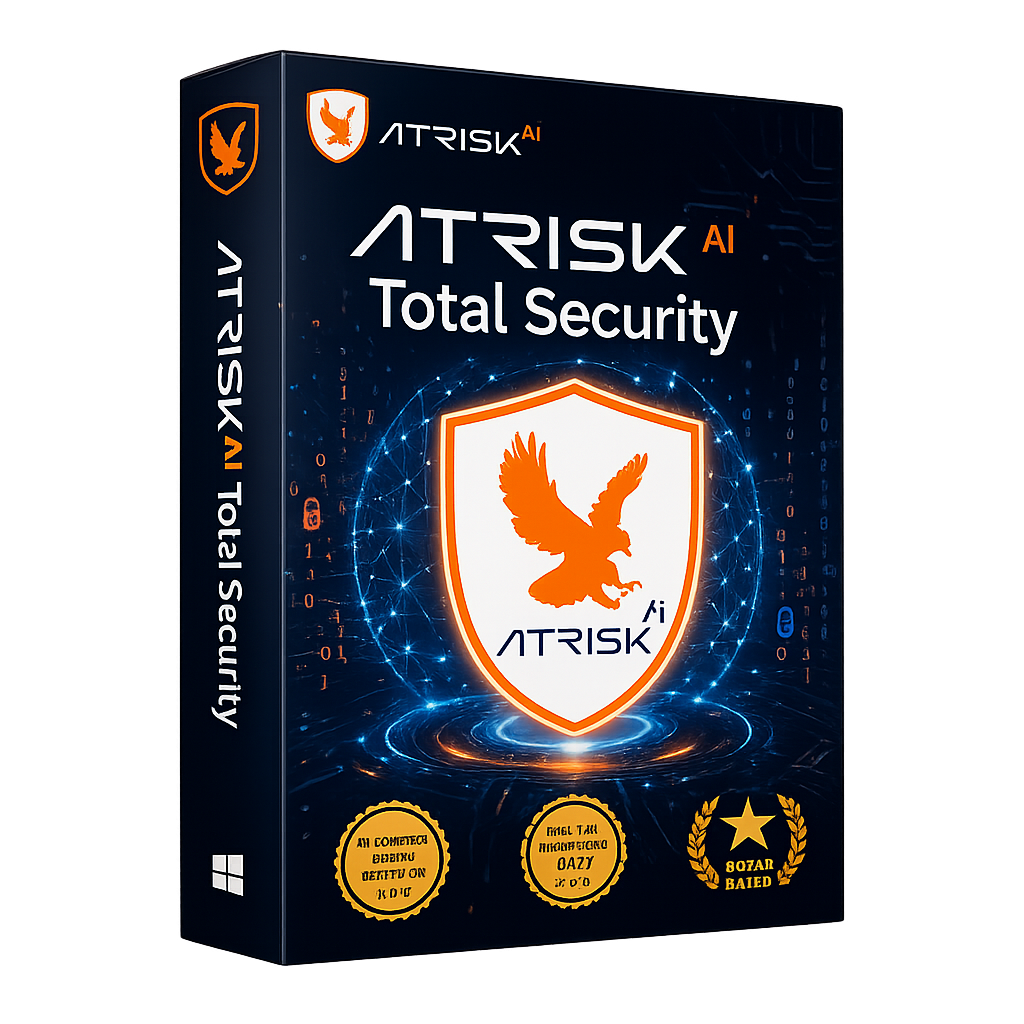





Our Internet
Security keeps you
safe online

Browse Confidently

AtRisk AI offers real-time internet security, ensuring you can browse, shop and work confidently with your data protected.

Windows 11, 10, 8, 8.1 and 7
Services

Guard your online world with AtRisk AI advance
Internet Security today!

Password Manager

AtRisk AI Password Manager secures and organizes your passwords with advanced encryption for effortless protection.

Ransomware Protection

Combines real-time monitoring and behavioral analysis to stop ransomware attacks.

PC Optimizer

Enhances speed by cleaning unnecessary files for a smoother computing experience.

Real-Time Scanning

AtRisk AI Real-Time Scanning monitors your system continuously, effectively detecting and proactively blocking threats as they occur.

3 Scan Modes

AtRisk AI offers Quick Scan for fast checks, Full Scan for thorough inspections, and Custom Scan for specific files, ensuring flexible protection

File Shredder

AtRisk AI File Shredder permanently erases files, ensuring complete data privacy and secure deletion of sensitive information.

\n
AtRisk AI Internet Security — Live Dashboard
banking.hdfc.com ✓ SAFE
phish-login-secure.xyz ⚠ BLOCKED
download.exe — system32 ✓ CLEAN
email-attachment.pdf ⟳ SCANNING
ransomware-dropper.dll 🔒 QUARANTINED
chrome_update.msi ✓ VERIFIED

How does AtRisk AI internet security ensure your device's security?

User Friendly-interface

AtRisk AI Internet Security offers an intuitive interface that simplifies advanced security management.

Real Time Threat Detection

AtRisk AI Internet Security offers real-time threat detection to instantly neutralise emerging virus.

Virus Security Pledge

At AtRisk AI, we are committed to providing you 99% security against all forms of digital virus.

3 Flexible Scan Modes for Every Need

Choose the right level of protection at the right time — from a quick daily check to a deep system audit.

Quick Scan

Fast, efficient checks of critical system areas most likely to harbor threats. Perfect for your daily routine — done in minutes.

~2 min

Custom Scan

Scan specific files, folders, or drives you choose. Perfect when you need targeted scanning of a particular download or USB drive.

Your choice

Compare the Features and Plan of
AtRisk AI Security

AtRisk AI security safeguard your privacy, protects against viruses and optimizes system performance with its comprehensive security features below.
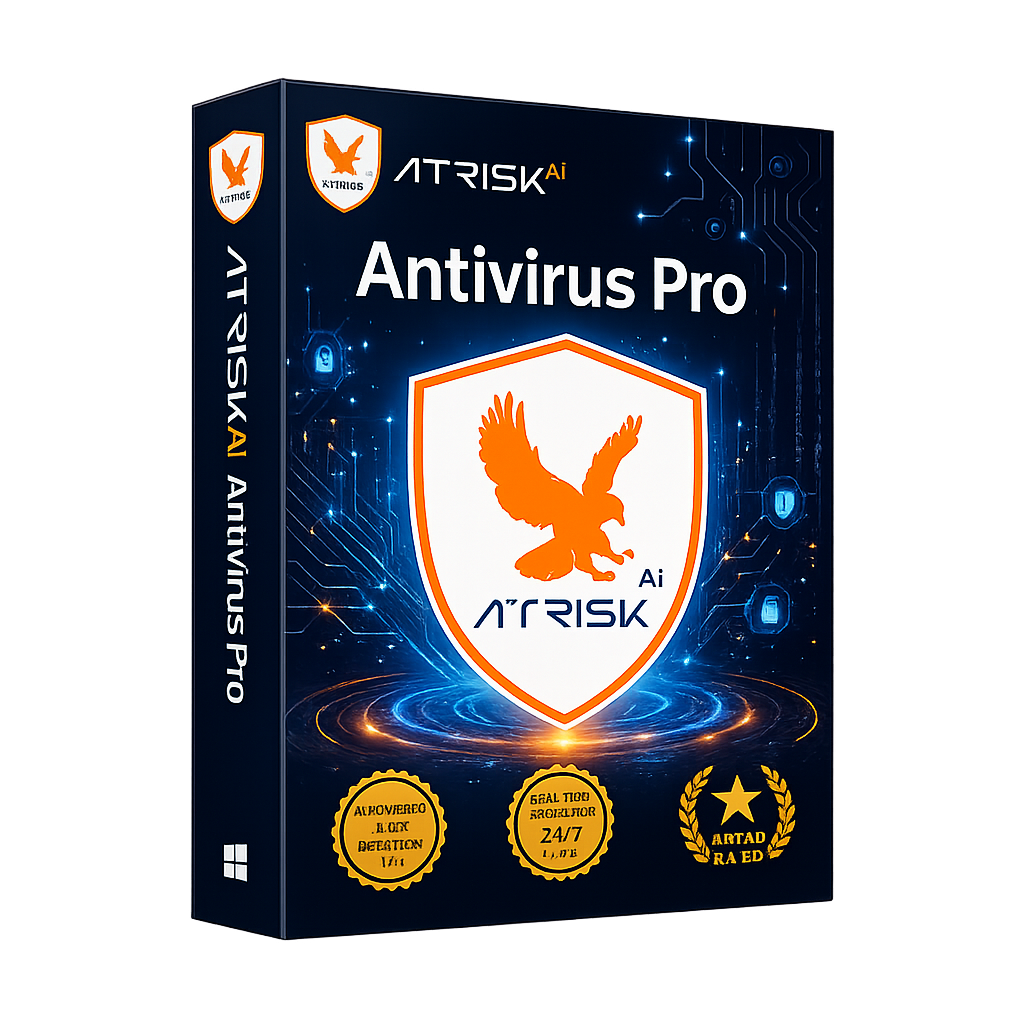
Antivirus Pro
★★★★★
  • PC Booster
  • Real-time Scanning
  • File Shredder
  • Privacy Firewall
  • Software Updates
  • Browser Safety
Save 25%
MRP ₹1123.75 ₹999
for 1 Device | 1 Year
Buy Now Know More
Try it free for 7 days
(No credit card needed)
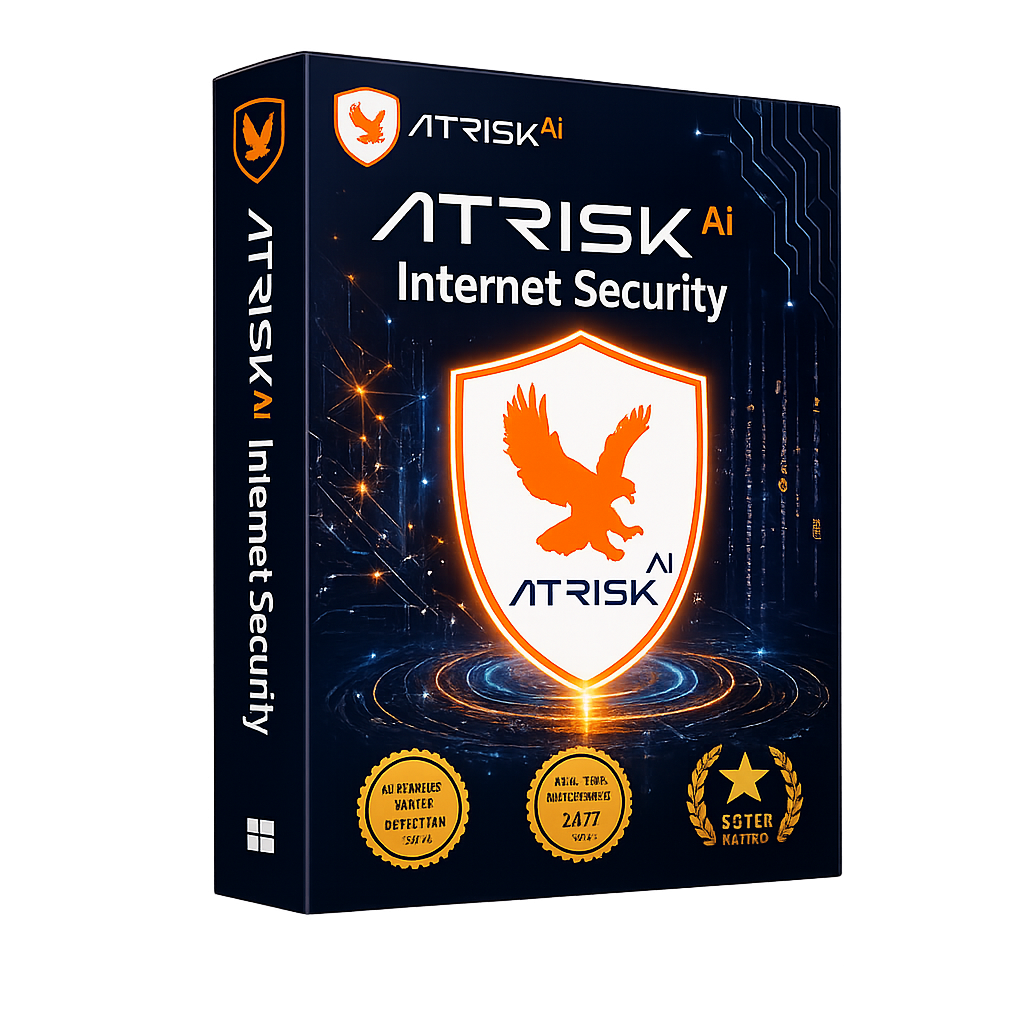
Internet Security
★★★★★
  • PC Booster
  • Real-time Scanning
  • File Shredder
  • Privacy Firewall
  • Software Updates
  • Browser Safety
  • Password Manager
  • Dark Web Scanning
  • Folder Locker
Save 35%
MRP ₹2293.65 ₹1479
for 1 Device | 1 Year
Buy Now Know More
Try it free for 7 days
(No credit card needed)
AtRisk AI PC Booster

AtRisk AI PC Booster: Optimize Your System for Peak Performance

Unlock your computer's full potential with AtRisk AI PC Booster. This tool cleans unnecessary files, optimizes settings, and manages startup programs for faster boot times and improved performance, ensuring a more responsive computing experience.

Secure Browsing

AtRisk AI: Your Friendly Solution for Safe and Secure Browsing

AtRisk AI simplifies online safety with robust protection against cyber threats, ensuring a smooth browsing experience while safeguarding your personal information with minimal hassle.


Digital world protection

Keep your digital world safe and secure with AtRisk AI Internet Security you can trust every day

Trust AtRisk AI Internet Security for reliable protection against evolving cyber threats. With real-time scanning and automatic updates, it defends against malware, ransomware, and phishing attacks, keeping your devices and personal data secure.

Real-Time protection

AtRisk AI Real-Time Protection: Defend Your Digital World Instantly

AtRisk AI Real-Time Protection offers immediate defense against emerging cyber threats. With continuous monitoring, it detects and neutralizes potential dangers, providing peace of mind for your digital activities.

Our Achievements

We take pride in our achievements and remain committed to delivering robust security to safeguard our customers' data.
Certified Security Partner

Testing Standards Member
Data Security Council Member

National Security Certified

Commonly Asked Questions (FAQs)

Free antivirus software vs premium software? +
The distinction between free antivirus software and premium antivirus software primarily lies in the range of features, level of protection, user support, and overall effectiveness. Here are some key differences: Free Antivirus Software: Generally offers basic protection against common threats like viruses and malware. It may include essential features such as real-time scanning and basic firewall protection, but often lacks advanced tools like phishing protection, VPN, or parental controls. Premium Antivirus Software: Provides a comprehensive suite of features, including advanced threat detection, anti-ransomware, secure browsing, password managers, and regular updates. Premium versions often come with enhanced privacy tools and additional layers of security.
What sets a virus apart from malware? +
A virus is a specific type of malware that replicates itself and spreads to other computers by attaching to legitimate files or programs. In contrast, malware is a broader term encompassing all malicious software, including viruses, worms, trojans, ransomware, and spyware. While all viruses are considered malware, not all malware are viruses.
AtRisk AI Internet Security: How Do I Use It? +
Download and Install: Visit the AtRisk AI website to download the Internet Security software. Run the installer and follow the on-screen instructions to complete the installation. Set Up Your Account: Create an account or log in if you already have one. This will allow you to access features and updates. Run Initial Scan: After installation, perform an initial scan to identify and remove any existing threats on your device.

Get Your Device The
Best Internet Security
Software That Has Won Awards

Buy Now Get Protected Now